

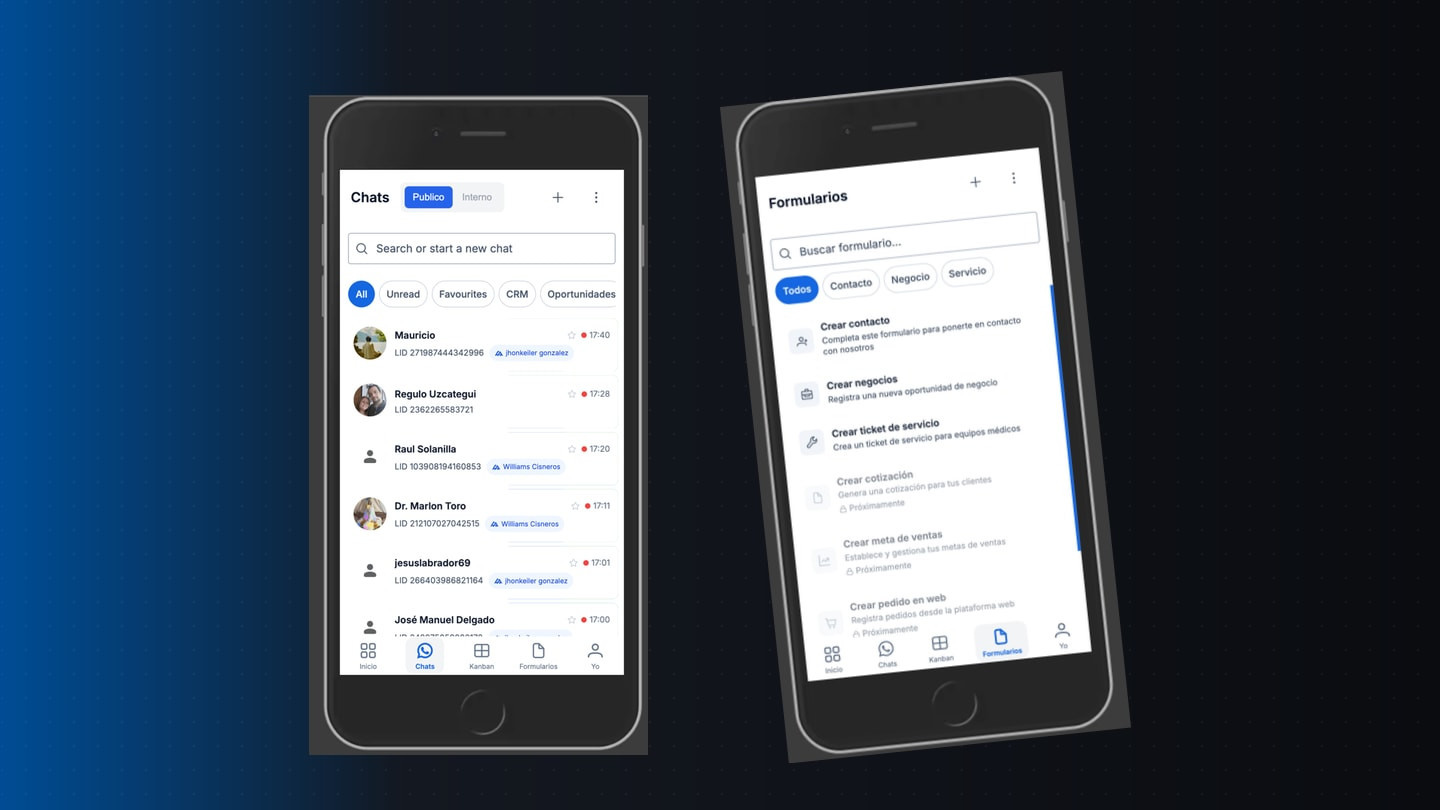
Operator mechanics
In Chapter 1 we argued that the chat is the product, not a CRM sidebar. This chapter is about operator mechanics: the three AI modes, the three send contexts, and the escalation rules that keep trust when channels multiply.
If you want stack and runtime split, read the Ayentic work case study. If you want the agentic pattern tree behind the orchestrator, read Agentic design patterns.
Three AI modes (per conversation)
Every thread can run the model differently. Defaults matter because most teams never touch settings.
Suggestions (default)
On each inbound message the system offers three ranked replies built from the organization's style corpus, not a generic FAQ bot.
The operator picks one, edits it, or ignores all three and writes from scratch. No thumbs-up ritual: the choice itself is feedback. If they always pick option B or always rewrite the opening sentence the same way, the next cycle should drift toward that habit.
This is the mode we recommend for municipal clerks, medical-adjacent SMEs, and anyone who has been burned by a confident wrong answer in public.
Automatic (opt-in)
The model may reply directly to the customer when policy allows (after hours, pure FAQ, explicit per-thread toggle).
Flagging stays on. Complexity spikes, negative tone, or unknown topics trigger escalation to a human with full context of what the system already said. The customer should not feel a channel change; the operator sees a clear handoff banner, not a buried log line.
Manual (full control)
No automatic suggestions. The operator drives. The model may still analyze in the background for search and learning, but nothing surfaces until they ask.
Use this for negotiations, sensitive accounts, or the first week after onboarding when the style corpus is still thin.
Three send contexts (one text box)
The risky UX problem: one textarea, three audiences.
Why an overlay for AI? Teams that juggle Slack, email, and WhatsApp already send internal notes to the wrong audience. A side panel feels like "still in the same chat." An overlay changes the whole screen so "this text never goes to the customer" is obvious.
Internal comments and client messages share one timeline (with color separation) so the next shift sees what was coordinated. AI chat never lands on that timeline.
Escalation the operator can see
Chapter 1 promised clearer escalation when confidence is low. In product terms that means:
- In suggestions mode: if the model is unsure, show fewer options or label uncertainty instead of three equally confident guesses.
- In automatic mode: stop sending, flag the thread, and surface why (unknown intent, policy block, tone threshold).
- Always: the human can override mode per thread without opening an admin console.
We treat escalation as inbox state, not observability for engineers. The operator should not grep logs to learn a bot overstepped.
Style learning without extra clicks
Quality suggestions need onboarding: import real conversation history, define tone per message type, accept that week one will feel generic.
After that, learning is implicit:
- Selected suggestion vs. edited suggestion vs. ignored suggestion
- Which internal comments precede a resolution
- Which escalations were accepted vs. dismissed
We are not building a separate "rate this AI" modal. Support teams already ignore those.
What we are not shipping yet
- Voice-first field interfaces (on the roadmap for technicians in motion)
- Orchestrator-as-home for team leads (morning brief as default entry point)
- Full replacement of Kanban/pipeline views (they remain windows on chat-created objects)
What comes in chapter 3
- Morning brief and cross-conversation patterns (orchestrator outputs operators actually read)
- Linked objects (tasks, quotes, tickets) created from chat without duplicate data entry
Related: Chapter 1: the chat is the product · Ayentic (work) · Agentic design patterns · Sureva journey